

LUKSO Pectra Hard Fork
🚨 Notice to All LUKSO Mainnet & Testnet Validators and Node Operators: Action Needed
What is happening?
We ask all LUKSO node operators and validators the Pectra hard fork on their LUKSO nodes.
After having a successful Dencun Hard Fork on LUKSO networks (Mainnet and Testnet), it is now time for a new update - the Pectra Hard Fork.
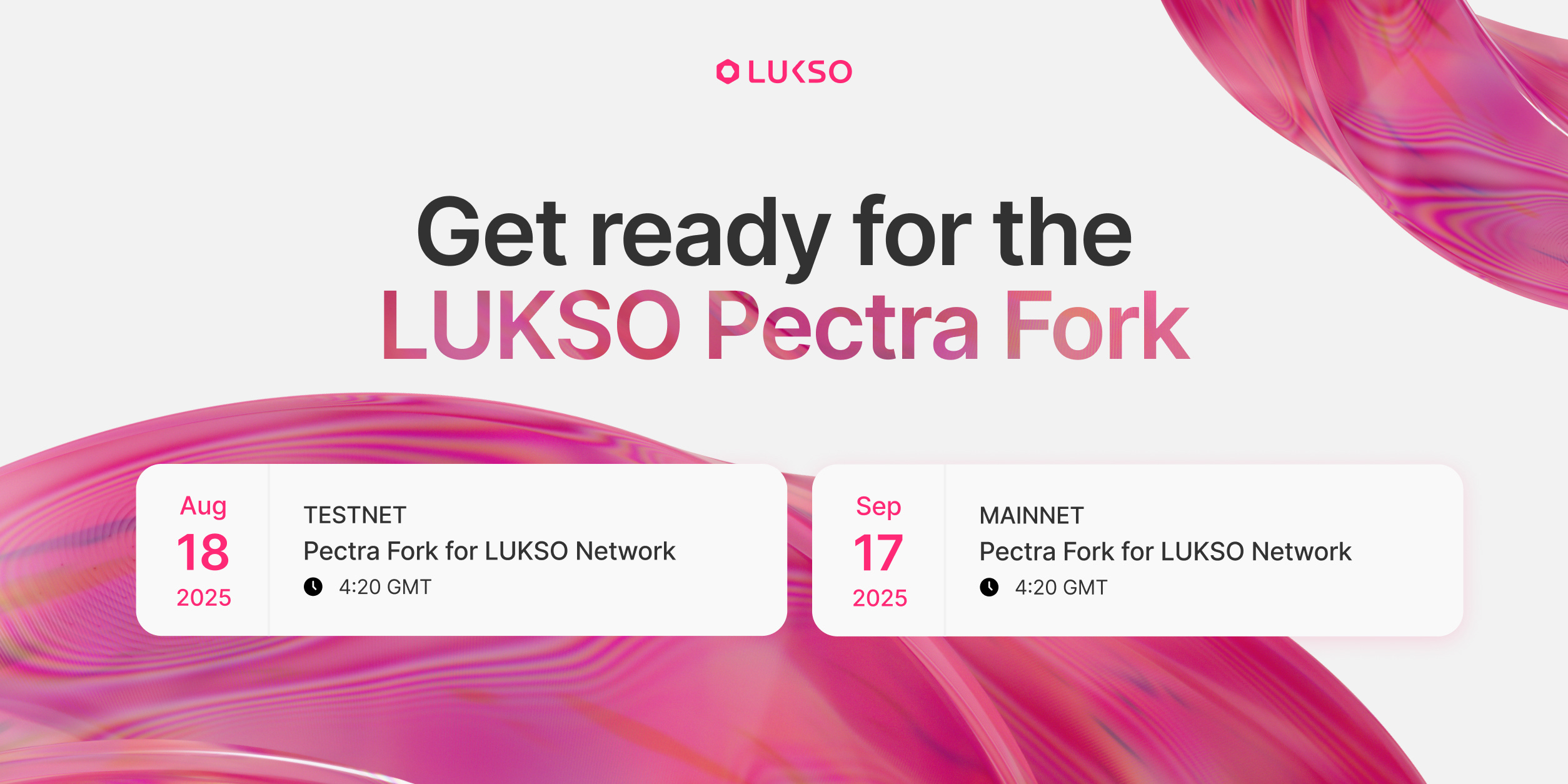
The Pectra hard fork for the LUKSO Testnet is scheduled for:
August 18th, 2025 at 4:20 pm GMT
The Pectra hard fork for the LUKSO Mainnet is proposed for:
September 17th, 2025 at 4:20 pm GMT
What do you have to do?
If you are a node operator or a validator on either of the LUKSO networks, you should update your clients to the latest supported versions and apply updates to your network configuration.
We suggest applying all updates at a minimum of one week before the respective network forks, to give you enough time to ensure that your setup is running smoothly.
At the end of this post, you find guides for the LUKSO CLI and docker containers, but to summarize you need to do two things:
You need to upgrade your clients to one of the following versions, or above:
Execution Releases:
Geth v1.15.11
Erigon v3.0.12
Besu v25.7.0
Nethermind v1.32.2
Consensus Releases:
Prysm v6.0.4
Lighthouse v7.0.1
Teku v25.6.0
Nimbus (eth2) v25.5.0
You then need to update your network config files for the LUKSO Mainnet, specifically the genesis.json and the config.yaml in your config/mainnet/shared/ (config/mainnet/teku | config/mainnet/nethermind when running Teku or Nethermind client) folder:
👨💻 See GitHub pull request
genesis.json (mainnet values)
...
  "config": {
    ...


    "pragueTime": 1758126000,
    "blobSchedule": {
      "cancun": {
        "target": 3,
        "max": 6,
        "baseFeeUpdateFraction": 3338477
      },
      "prague": {
        "target": 6,
        "max": 9,
        "baseFeeUpdateFraction": 5007716
      }
    }
  },
...
config.yaml (mainnet values)
# Forks
# ---------------------------------------------------------------
...

# Electra
# Date and time: Wednesday, 17 September 2025 16:20:00 GMT
ELECTRA_FORK_VERSION: 0x42000006
ELECTRA_FORK_EPOCH: 190800
...
And also add the MAX_EFFECTIVE_BALANCE_ELECTRA, and set it to 2048 LYX
# Validator Stakes
# ---------------------------------------------------------------
# 2**11 * 10**9 (= 2,048,000,000,000) Gwei
MAX_EFFECTIVE_BALANCE_ELECTRA: 2048000000000
You can then restart your nodes and your system should be ready for the hard fork!
📟 Upgrade using the LUKSO CLI
Please also follow the Node Update Guide if you use a CLI version below v0.25.0. You will have to move into the node directory and follow these steps:
First, stop your processes by running the
stopcommand:
lukso stopYou can check if your node stopped correctly with the
statuscommand
lukso statusInstall the new LUKSO CLI Release v0.25.1:
curl https://install.lukso.network | shUpdate the client versions to the latest supported releases:
lukso updateDownload the latest network configuration:
lukso update configsWhen initializing or starting your node, you will be able to verify the presence of the Pectra configs:

After maintenance is completed, restart your node:
lukso startAs a validator, remember to keep your command flags the same as before stopping:
lukso start --validator --transaction-fee-recipient "<your address>"📦 Upgrade using the LUKSO Dappnode
Users can receive updates either through the system's auto-update feature or manually after being notified of an available update.
For auto-updates, users should ensure the feature is active for the LUKSO Mainnet network. For manual updates, users will receive a notification within the system dashboard once Dappnode publishes and releases the update. They can then choose to update immediately or postpone it.
It is recommended to prepare your device for the fork as soon as possible by updating it with the LUKSO packages (Geth and Prysm).
The following minimum package versions for the Pectra fork:
prysm-lukso.dnp.dappnode.eth v0.1.3
lukso-geth.dnp.dappnode.eth v0.1.5
teku-lukso.dnp.dappnode.eth v0.1.3
web3signer-lukso.dnp.dappnode.eth v0.1.5
Based on information from Dappnode, updates for end-user devices will be distributed in phases. This means users won't all receive the update simultaneously.
🐳 Upgrade using a docker setup
Docker containers repository:
Ensure that you are using latest docker-compose file (by comparing your file with one in the repository)
Copy client versions from .env.mainnet file into your .env file
Update your config.yaml and genesis.json configs with the LUKSO Mainnet ones in the network-configs repository.
Docker Factory repository
Generate a new docker-compose file using the docker factory 🏭 and replace the old file with a new one
Update your config.yaml and genesis.json configs with the LUKSO Mainnet ones in the network-configs repository.
🔧 Upgrade on a custom setup
Please manually download and configure your node based on the latest executables and configurations for your client setups, customized containers, or service.
The Besu and Teku software includes the LUKSO Mainnet network in its implementation. If using this software, it is essential to update it immediately to the latest version, which has implemented the Pectra fork specification for the LUKSO Mainnet.
The Besu and Teku releases supported for LUKSO Pectra:
If you have any questions, please do not hesitate to contact us through the channel below.